
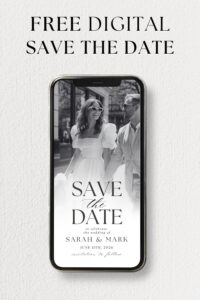
Sending out save the dates is one of the first exciting steps in wedding planning.
If you’re looking for a modern, budget-friendly, and eco-conscious option, a digital save the date evite is the way to go.
No waiting for prints, no postage costs, just a beautifully designed announcement that you can send instantly. Send via text, email, or social media.
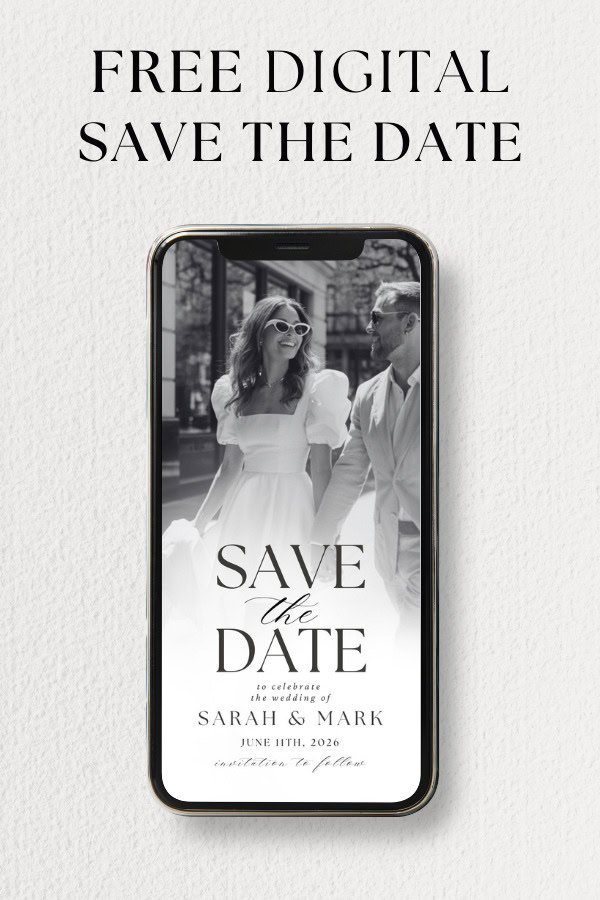
Plus, we’ve made it even easier with a free Canva template to help you get started!
What Size Should a Digital Save the Date Be?
Since most people will view your evite on their phones, you want it to display beautifully across different screen sizes. Here are the best sizes to consider:
| Format | Best Size (px) | Ideal For |
|---|---|---|
| Vertical | 1080×1920 | Mobile screens, full-screen viewing, text messages, versatile for most platforms |
| Square | 1080×1080 | Instagram posts, Facebook posts |
| Portrait | 1080×1350 | Social media sharing, better engagement |
| Email-Friendly | 1600×1200 | Best for email attachments, avoids resizing issues |
| Animated MP4/GIF | 1080×1920 | Interactive invitations, Instagram stories |
If you want to stick to just one size that works across all platforms, 1080x1920px (vertical) is your best all-around choice.
It displays well on phones, works for text messages, Instagram stories, WhatsApp, and can still be attached in an email without major display issues.
File format tip: A PNG or JPG will work well for a simple image, while an MP4 or GIF is perfect if you want to add animation.
Grab Our Free Canva Template
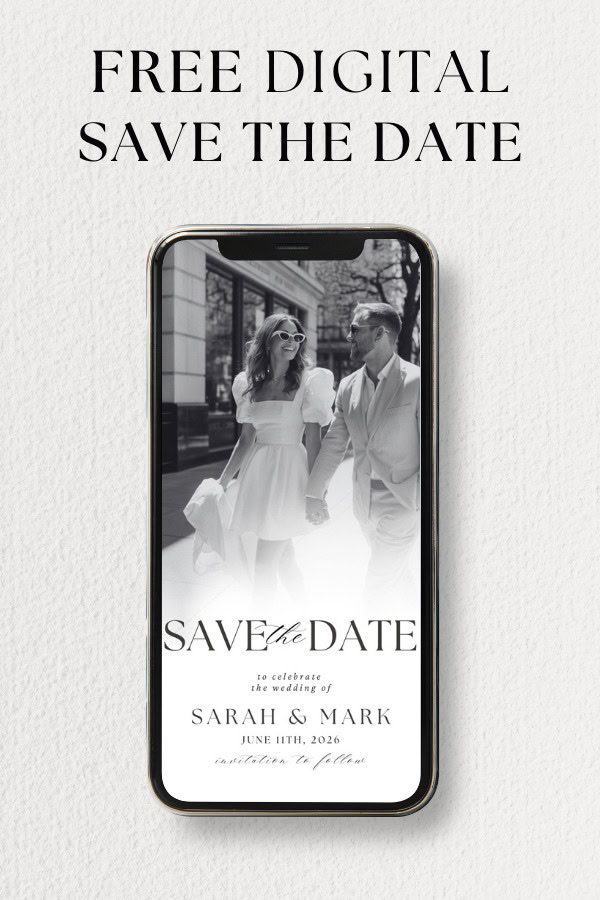
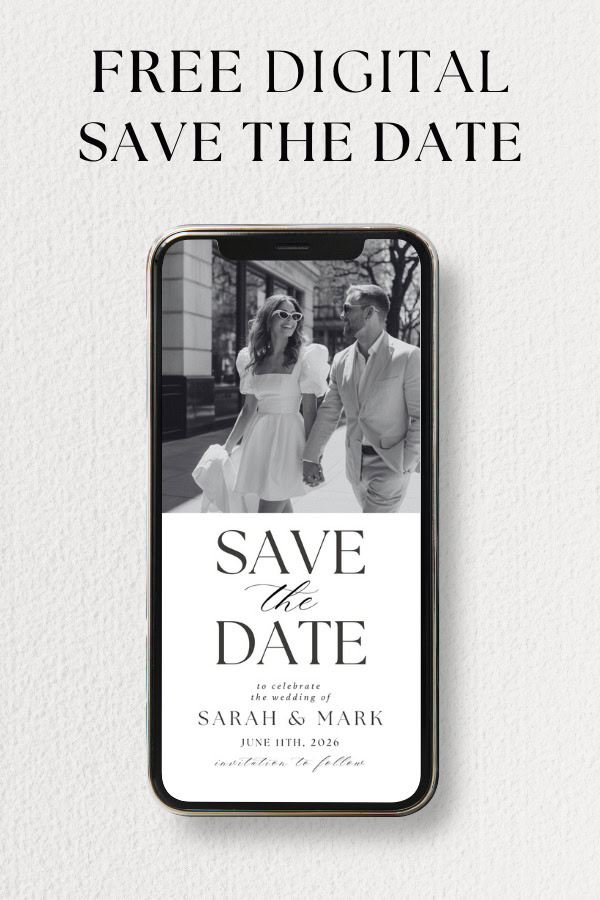
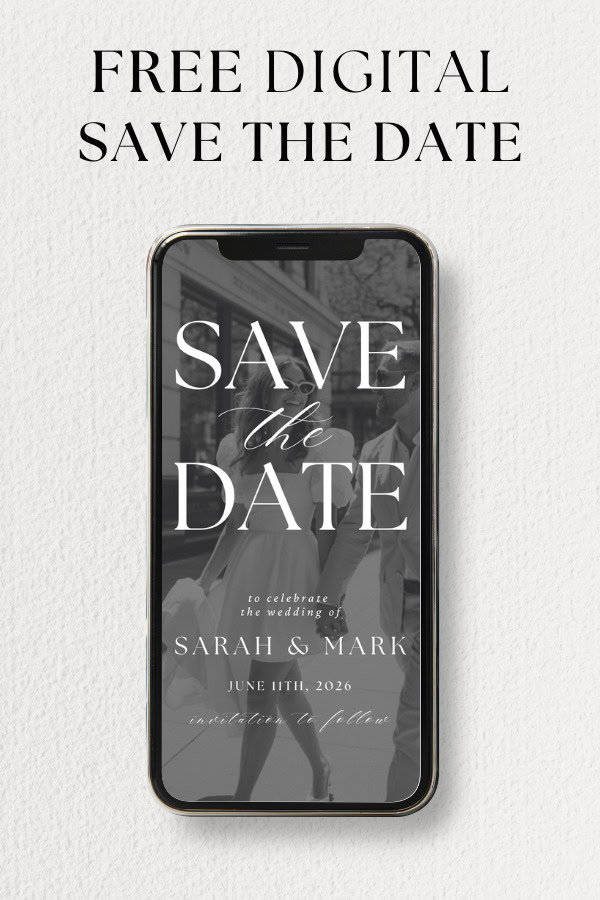
We’ve put together a free Canva template so you don’t have to start from scratch.
Just open the link, update the text with your wedding details, tweak the fonts and colors to match your style, and add any personal touches like a photo or wedding logo.
Once you’re happy with it, download and share it instantly!
Creating Your Own Digital Save the Date
If you’d rather create something completely custom, Canva makes it easy.
- Start with the right size – Choose 1080x1920px for the most versatile format.
- Pick a background – This could be a solid color, a textured look, or even a dreamy engagement photo.
- Customize your details – Add your names, wedding date, and a simple “Save the Date” message.
- Make it interactive – You can replace a static photo with a short video clip to make it more personal.
- Keep it stylish but readable – Choose elegant fonts and wedding-themed colors.
- Save and download – Export your design as PNG, JPG, or MP4 if you want to add motion.
Make It Interactive?
If you’d like your save the date to include clickable links, you can create an interactive PDF invitation in Canva.
- Add text and links (such as an RSVP button or a direct link to your wedding website).
- When saving, choose PDF Standard to keep the links functional.
- PDFs may not always display correctly when sent via text message, so they’re best for email invitations.
Other Ways to Get a Digital Save the Date
If DIY isn’t your thing, there are plenty of other options:
- Buy a custom design – Many designers on Etsy and Zazzle offer personalized digital save the dates.
- Use pre-made templates – Editable designs allow you to simply swap out the details.
- Try digital invitation platforms – Services like Paperless Post and Greenvelope provide stylish designs with built-in RSVP tracking.
How to Send Your Digital Save the Date
Once your design is finalized and ready to share, you have several convenient, modern ways to get it into the hands of your guests:
1. Text Message Simply attach your save the date as a PNG, JPG, or MP4 file directly in a text message. This method ensures quick, personal, and instant communication, ideal for close family and friends.
2. Email Attach your digital file or embed it directly into the email body. If your save the date is an interactive PDF, double-check that all links, such as those to your wedding website or online RSVPs, are working and clearly visible.
3. Dedicated Digital Invitation Services There are specialized platforms designed specifically for sending digital invitations and save the dates:
- Greenvelope: Offers sophisticated designs with the ability to track responses, include RSVP features, and manage your guest list seamlessly.
- Paperless Post: Combines beautiful, designer-quality templates with powerful tracking and guest-management tools.
- Joy: A user-friendly, free service that integrates your save the date directly with your wedding website, making updates and tracking easy and cohesive.
These platforms simplify the process of sending, tracking, and managing responses, giving your guests a seamless digital experience.
4. Social Media Use platforms like Facebook by creating a private group for your guests where you can post updates and your save the date. Alternatively, direct message (DM) individual guests or groups through Instagram or Twitter, attaching your digital file for a more personalized touch.
5. Messaging Apps (WhatsApp, Messenger, Telegram) Instant messaging apps are ideal for quick, direct communication. Simply attach your save the date image or video directly within your message. You can also easily include a link to your wedding website or event page for additional details.
6. QR Code Integrate a QR code directly into your digital save the date design. When guests scan the QR code using their smartphones, they’ll be directed straight to your wedding website, RSVP page, or a custom page featuring event details, accommodations, and more.
Whichever method or combination you choose, be sure to clearly communicate how guests can respond or find more information. Digital save the dates offer incredible flexibility, allowing you to combine multiple methods to ensure every guest receives your exciting news in a way that’s convenient for them.
Adding Animation for a Wow Factor
For something a little extra, consider animating your evite! Canva allows you to add movement to text or design elements, which can make your save the date feel even more special. Export it as an MP4 or GIF, and share it as a video for a unique touch.
Fun animation ideas:
- A flickering candle or twinkling stars for a romantic touch.
- A slow fade-in of your wedding date to add elegance.
- A short video clip of you and your partner instead of a static image.
Digital Save The Date
Digital save the dates are a quick, stylish, and hassle-free way to announce your big day.
Whether you use our free Canva template or design something unique from scratch, you’ll have a beautiful way to let your guests know to mark their calendars.
Grab your free Canva template here and start designing! Let us know if you need any help or inspiration.
More blogs you will love!
- How to Chase Wedding RSVPs Politely (Without Feeling Awkward)

- Wedding RSVP Questions You Should Ask Guests

- The Simple Wedding RSVP Tracker Every Couple Needs
- How to Track Wedding RSVPs Without Losing Your Mind

- Common Wedding Website Mistakes Couples Make (And How to Avoid Them)
- Wedding Website Checklist: Everything to Include Before You Launch Your Site

- Wedding Website FAQ Examples Guests Actually Need

- How to Create a Digital Save the Date Evite (With Our Free Canva Template!)
- 10 Things Every Modern Wedding Website Needs