
Tracking RSVPs sounds simple until responses start arriving from everywhere. Some guests reply by text, others mention it in conversation, and a few forget to respond entirely.
Add plus-ones, meal choices, and last-minute changes and it quickly becomes difficult to keep an accurate headcount.
Using a Google Form connected to a Google Sheet removes most of that manual work.
Guests submit their RSVP through a simple form and the responses are automatically organised into a spreadsheet dashboard that updates as each reply comes in.
The template in this guide includes both pieces. A ready-to-use RSVP form for guests and a spreadsheet that automatically tracks responses, attendance numbers, and meal selections.
Why Wedding RSVP Tracking Gets Messy Fast
Most couples start by writing names in a notebook or spreadsheet. That works for a few responses but problems appear quickly.
Guests often reply through different channels. Some use the RSVP card, others send a message, and some tell a parent or member of the wedding party. Keeping track of everything becomes difficult.
Plus-ones also complicate the count. A single invitation can represent two or more people attending. If you are not recording the details properly, your numbers can easily become inaccurate.
Meal selections add another layer. Venues usually require exact counts for each menu option and dietary requirement. If that information is scattered across messages or emails it becomes difficult to summarise.
A structured RSVP system solves these problems by collecting the same information from every guest and storing it in one place.
The Easiest Way to Track Wedding RSVPs
One of the simplest solutions is using a Google Form connected to a Google Sheet.
Guests complete the RSVP form online. Their answers are automatically added to the spreadsheet. This means every response is recorded instantly without needing to manually transfer information.
The spreadsheet then becomes your RSVP dashboard. As guests reply, the sheet updates totals, attendance numbers, and meal selections automatically.
This approach has a few advantages.
Responses stay organised in one place.
Headcounts update automatically.
You can easily see who has replied and who has not.
Meal choices are already summarised for your venue or caterer.
If you prefer not to build the system yourself, the template included here already connects the form and spreadsheet together.
What Information Your RSVP Form Should Collect
A clear RSVP form ensures the spreadsheet receives consistent and useful data. The template includes the most common details couples need to collect.
Guest name
This confirms who is responding and allows you to match the reply to your guest list.
Attendance confirmation
Guests indicate whether they will attend or decline the invitation.
Number of guests in the party
This ensures your headcount includes plus-ones and family members attending together.
Individual guest names
Recording the full names of each guest helps when finalising seating plans later.
Meal selection
If your reception includes meal choices, this question allows guests to select their preferred option.
Dietary requirements
This helps you identify vegetarian, vegan, gluten-free, or other dietary needs.
Collecting these details in a structured form means the spreadsheet receives clean, consistent information that can be counted automatically.
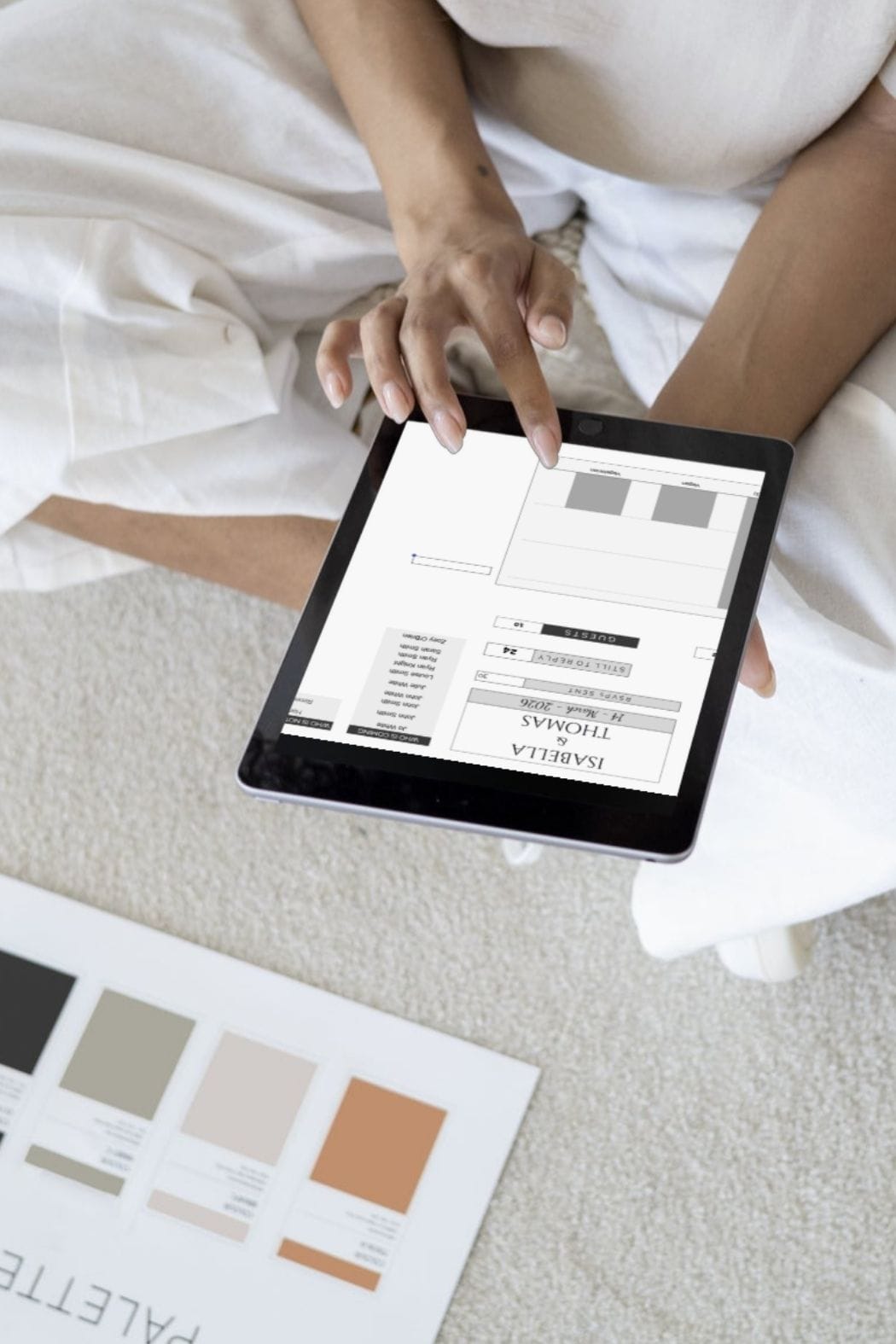
How the RSVP Spreadsheet Organises Everything Automatically
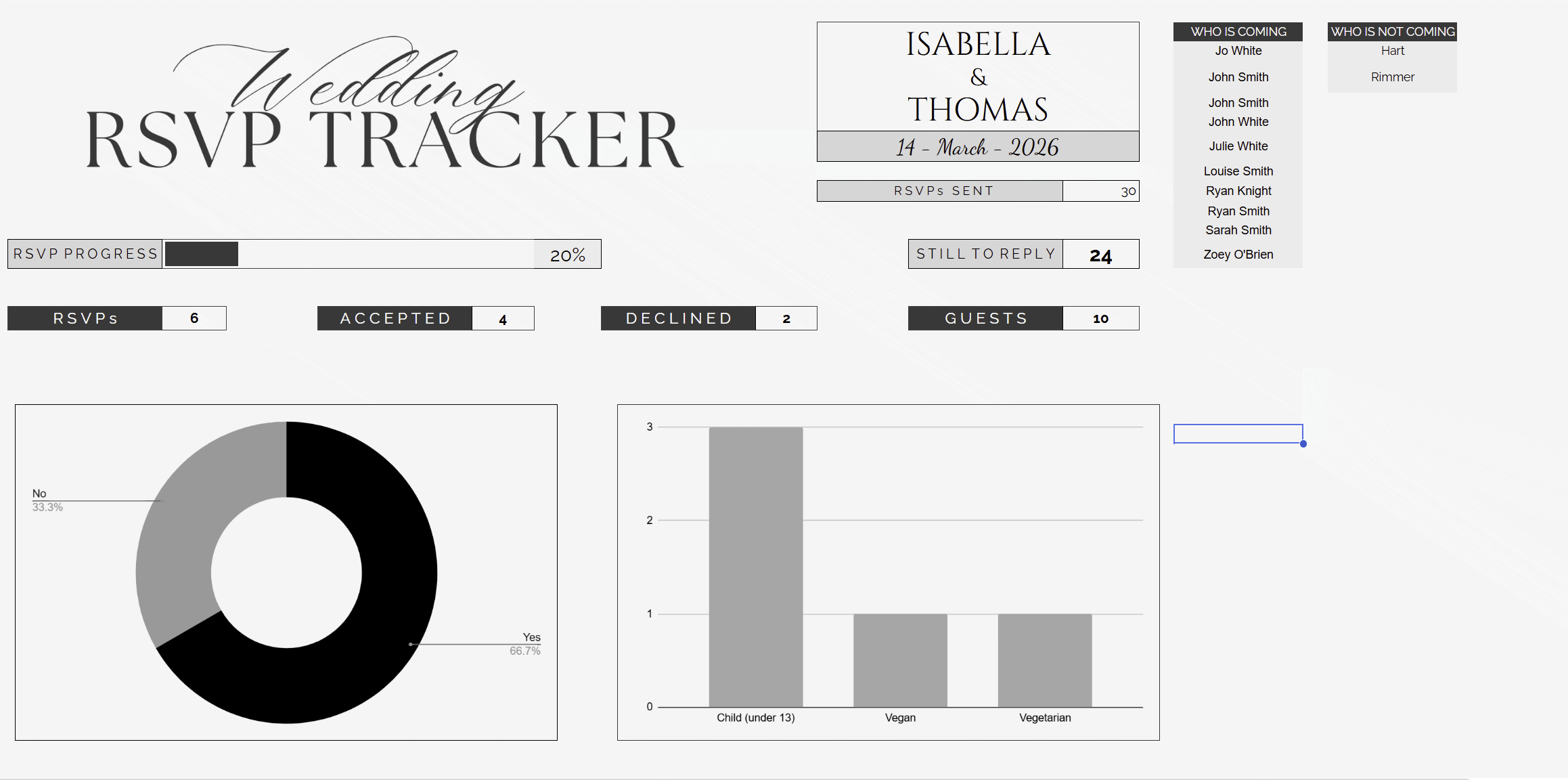
Once responses start coming in, the spreadsheet dashboard provides a clear overview of your wedding guest numbers.
The tracker automatically calculates how many guests have responded and how many invitations are still outstanding. This makes it easy to follow up with anyone who has not replied before the RSVP deadline.
Attendance totals update as soon as new responses arrive. You can immediately see how many guests have accepted and how many have declined.
The dashboard also keeps track of the total number of people attending. Because the form collects the number of guests in each party, your headcount stays accurate without manual calculation.
Meal selections are summarised automatically. This allows you to quickly see how many guests selected each option, which is especially helpful when confirming final numbers with your caterer.
Lists of guests who are attending and those who have declined are also generated automatically, making it easier to keep your planning organised.
Free Wedding RSVP Tracker (Download the Template)
The template includes two connected tools.
A Google RSVP form that guests complete online.
A Google Sheet dashboard that automatically organises every response.
The form collects RSVP details, guest names, and meal choices. Each submission feeds directly into the spreadsheet, where totals and charts update automatically.
The spreadsheet dashboard shows:
RSVP progress
Number of accepted and declined invitations
Total guest count
Meal selection breakdown
Lists of guests attending and not attending
Because the form and sheet are already connected, you only need to duplicate the template and personalise it with your wedding details.
You can also customise the form questions if you want to collect additional information from guests.
For couples who want to build their own RSVP form from scratch, a separate guide explains how to create and customise the Google Form step by step.
Download the free RSVP tracker template below and start collecting responses in minutes.
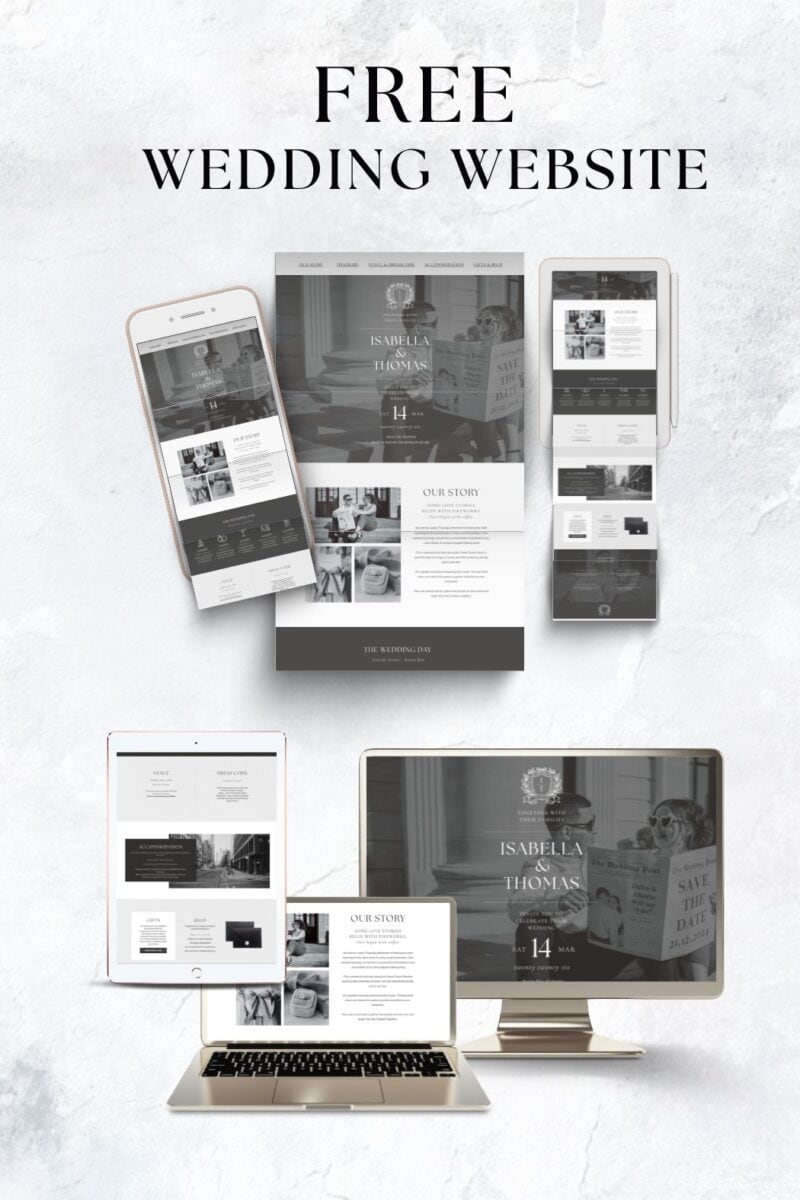
GRAB YOUR FREE WEDDING WEBSITE
More blogs you will love!
- How to Chase Wedding RSVPs Politely (Without Feeling Awkward)

- Wedding RSVP Questions You Should Ask Guests

- The Simple Wedding RSVP Tracker Every Couple Needs
- How to Track Wedding RSVPs Without Losing Your Mind

- Common Wedding Website Mistakes Couples Make (And How to Avoid Them)

- Wedding Website Checklist: Everything to Include Before You Launch Your Site

- Wedding Website FAQ Examples Guests Actually Need

- How to Create a Digital Save the Date Evite (With Our Free Canva Template!)

- 10 Things Every Modern Wedding Website Needs